Arrange your equipment
Position and orient equipment, then adjust elevations to develop your plant layout.
 Mineral3D3D mineral processing plant design
FROM EQUIPMENT TO A COMPLETE LAYOUT
Position equipment. Connect your process.
Explore the layout before taking it further.
Windows design software · Account-based access
A CLEARER WAY TO PLAN
Work through equipment placement, elevation and space in one visual environment.
Position and orient equipment, then adjust elevations to develop your plant layout.
Lay out conveying systems and examine the spatial relationships between equipment.

Save your project and return to refine the arrangement as your requirements evolve.
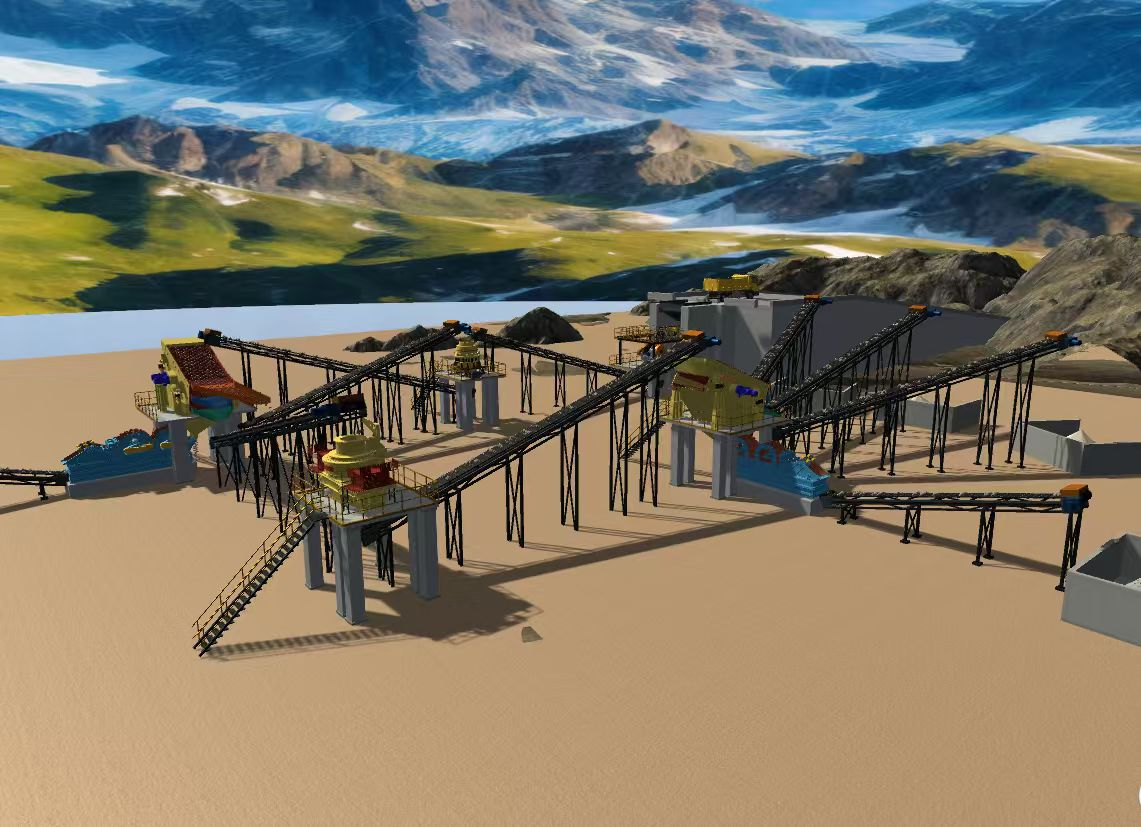
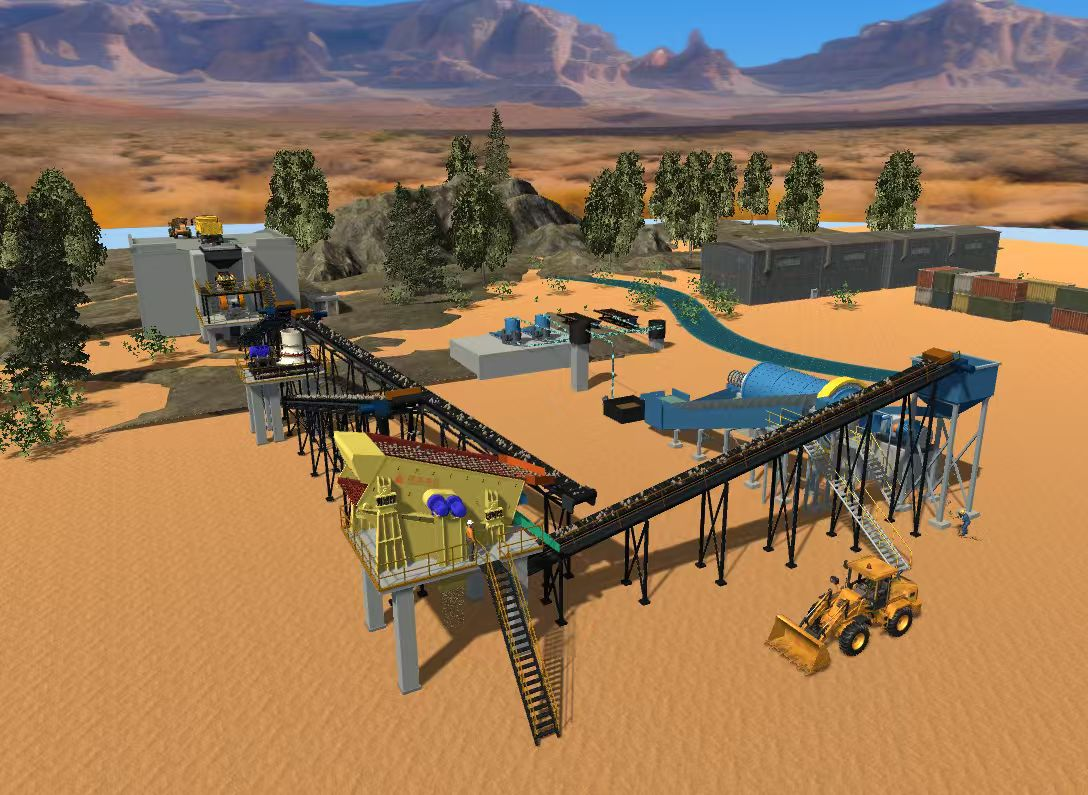
CREATED WITH MINERAL3D
Examples built in the software.
Final engineering requires professional verification.
BUILT AROUND YOUR BUSINESS
Discuss a tailored version of Mineral3D for your products and presentation needs.
Scope and delivery dates are agreed after reviewing your requirements.
GET STARTED
Create an account, arrange membership with our team, and download the available English release.
Windows · 64-bit · Internet connection required for authorization
Checking the English release…
Download English versionCreating an account does not activate paid membership.